Print Picture Large: Multi-Page Layouts Made Easy
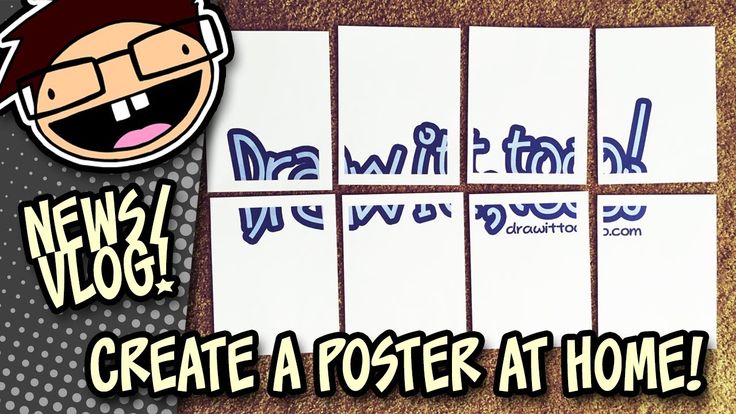
Printing large images across multiple pages has become an essential technique for artists, photographers, and professionals who need to showcase high-resolution visuals without compromising detail. This process involves splitting a single large image file into several smaller sections that fit standard printer paper sizes, which are then assembled to recreate the original composition. The demand for this method has surged as creators seek cost-effective ways to produce gallery-quality prints or detailed technical diagrams.
Understanding the Technical Process
The technical foundation of splitting an image relies on software algorithms that precisely divide pixel data. These programs calculate the optimal grid based on the source file dimensions and target paper size, ensuring minimal loss of quality during the split. Accurate registration marks are often embedded to guide users during the physical assembly phase, turning what could be a frustrating puzzle into a straightforward task.
File Preparation and Resolution
Before initiating the split, the resolution of the source file is critical. An image intended for large-scale viewing must start with a high DPI (dots per inch) to ensure that each page retains sharpness. If the original file lacks sufficient pixel density, stretching it across multiple pages will only result in a blurry, pixelated outcome, defeating the purpose of the exercise.


Practical Applications in Various Fields
This technique finds utility in a wide array of industries. In real estate, agents use it to create impressive floor plans that cover entire walls, allowing clients to visualize space accurately. Educators rely on it to display intricate biological diagrams or historical timelines, transforming a standard presentation into an immersive visual experience.
- Art Reproduction: Artists scale up their digital work to create stunning murals or canvas prints.
- Architectural Blueprints: Professionals print detailed schematics that are easier to handle in sections.
- Event Marketing: Businesses produce large billboards or posters that fit within standard frame sizes.
Choosing the Right Paper and Ink
The final result is heavily dependent on the materials used. Matte papers reduce glare and are ideal for photographs, while glossy finishes add vibrancy and depth. Similarly, pigment-based inks offer superior longevity and water resistance, ensuring that the assembled print lasts for years without fading.


Optimizing Software Settings
Modern printing software provides robust settings to streamline the process. Users can adjust overlap margins to ensure colors align perfectly at the edges. Furthermore, selecting the "actual size" or "100% scale" option is crucial to maintain the integrity of the dimensions and avoid distortion during the printing phase.
The Assembly Phase
Once the pages emerge from the printer, the assembly begins. Laying them out on a flat surface according to a visual key or numbered system is the most efficient approach. Using tape or adhesive strips, the sections are joined with precision, creating a single, cohesive image that appears seamless to the naked eye.




Related Articles

How to Print a Large PDF on Multiple Pages: Easy Step-by-Step Guide
Printing a large PDF across multiple pages is a common challenge, especially when dealing with detailed architectural plans, expansive posters, or wide...

Large Print Coloring Pages: Easy & Fun Designs for All Ages
The search for coloring pages large print reflects a growing demand for accessible and relaxing creative activities. Many adults and children with visual...
Free Large Flower Coloring Pages For Kids – Fun & Easy To Print
Finding high-quality, large flower coloring pages free of charge is a quest for many parents, educators, and art enthusiasts. The search often leads to...

Large Print Color by Number for Seniors: Easy & Fun Coloring Pages
Large print color by number for seniors is rapidly becoming a trusted tool for maintaining cognitive vitality and emotional well-being. This activity marries...

Easy Homemade St. Patrick's Day Gifts: Free Coloring Pages to Print and Make
Finding a last-minute gift can be stressful, but homemade presents offer a heartfelt alternative that store-bought items rarely match. For the upcoming...

Print in Color: Vibrant Pages Made Easy & Affordable
Print color in pages defines the visual impact of everything from a child’s drawing to a multi-million dollar marketing campaign. Understanding how digital...