A to Z Alphabet Letters Copy and Paste – Ready to Use Text Blocks
Accessing a to z alphabet letters copy and paste resources is one of the most efficient methods for handling text across digital platforms. Whether you are drafting a social media post, designing marketing collateral, or compiling data, the ability to quickly insert specific characters streamlines your workflow significantly. This guide delves into the nuances of copying and pasting the alphabet, exploring various formats and providing direct solutions for immediate use.
Why Copy and Paste the Alphabet?
The digital landscape often demands speed and precision, and knowing how to copy and paste the alphabet saves valuable time. You might need a clean string of letters for testing font compatibility, creating placeholder text, or developing educational materials for students. Instead of typing each character manually, which is prone to error, accessing a pre-compiled list ensures accuracy and consistency every time.
Standard Lowercase and Uppercase Sets
The most common requirement is the standard set of 26 letters, available in lowercase and uppercase formats. These characters are the foundation of written communication in the Latin script and are universally recognized across operating systems. Below, you will find ready-to-use versions of both formats for instant integration into your projects.

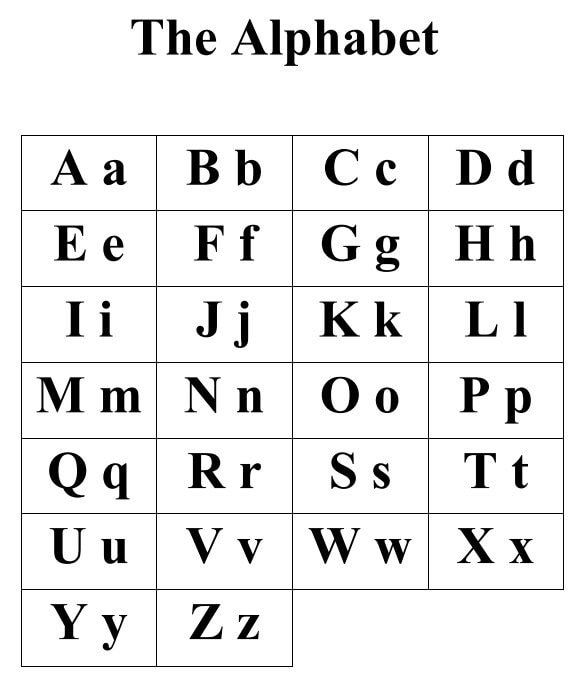

| Lowercase | a b c d e f g h i j k l m n o p q r s t u v w x y z |
|---|---|
| Uppercase | A B C D E F G H I J K L M N O P Q R S T U V W X Y Z |
Exploring Alternative Formats
Beyond the basic sequence, users often seek the alphabet presented in continuous strings without spaces. This format is particularly useful for technical applications, such as coding, password generation, or URL slugs. Additionally, some contexts require the letters to be concatenated with hyphens or underscores for improved readability in structured data.
- Continuous (No Spaces): abcdefghijklmnopqrstuvwxyz
- Hyphen-Separated: a-b-c-d-e-f-g-h-i-j-k-l-m-n-o-p-q-r-s-t-u-v-w-x-y-z
- Underscore Separated: a_b_c_d_e_f_g_h_i_j_k_l_m_n_o_p_q_r_s_t_u_v_w_x_y_z
Copy Paste Tips and Tricks
To ensure the characters retain their intended formatting, consider the source from which you are copying. Text editing applications like Notepad or TextEdit preserve plain text, preventing hidden code from disrupting your layout. When pasting into design software or content management systems, using the "Paste as Text" option helps maintain a clean, uniform appearance without inheriting unwanted styles.


Moreover, the versatility of these characters extends to linguistic and educational uses. Teachers can utilize the copy-paste function to generate worksheets or flashcards, while language learners can practice typing to improve their speed and muscle memory. The ability to manipulate these symbols digitally makes them an invaluable tool for education and communication.


Related Articles

A to Z Alphabet Small Letters Copy and Paste – Ready to Use Text Generator
Accessing a to z alphabet small letters copy and paste resources is essential for anyone working in digital text creation, from writers and marketers to coders...

Copy & Paste Alphabet Letters Design – Stylish Text Art Ready To Use
Efficient access to stylized text is essential for modern digital communication, and alphabet letters design copy and paste functionality serves as a...

Roman Alphabet Letters Copy and Paste: Free Unicode Text Generator
Need to copy and paste roman alphabet letters for your next project, document, or social media post? Finding the exact letters you need, especially in stylized...

Aesthetic Alphabet Letters Copy and Paste: Styleful Text Art for Instagram & Bio
In the fast-paced world of digital communication and social media branding, the demand for unique visual elements has never been higher. Aesthetic alphabet...

Greek Alphabet Letters Copy and Paste: Easy Text for Instant Use
The Greek alphabet serves as the foundational building block for written communication in the Hellenic language, and the ability to access these symbols...

Lowercase Alphabet Letters Copy and Paste: Ready-to-Use A to Z Text
Navigating the digital landscape often requires the precise transfer of text, and few elements are as fundamental as the alphabet letters lowercase. Whether...